 ModCodePlus Team
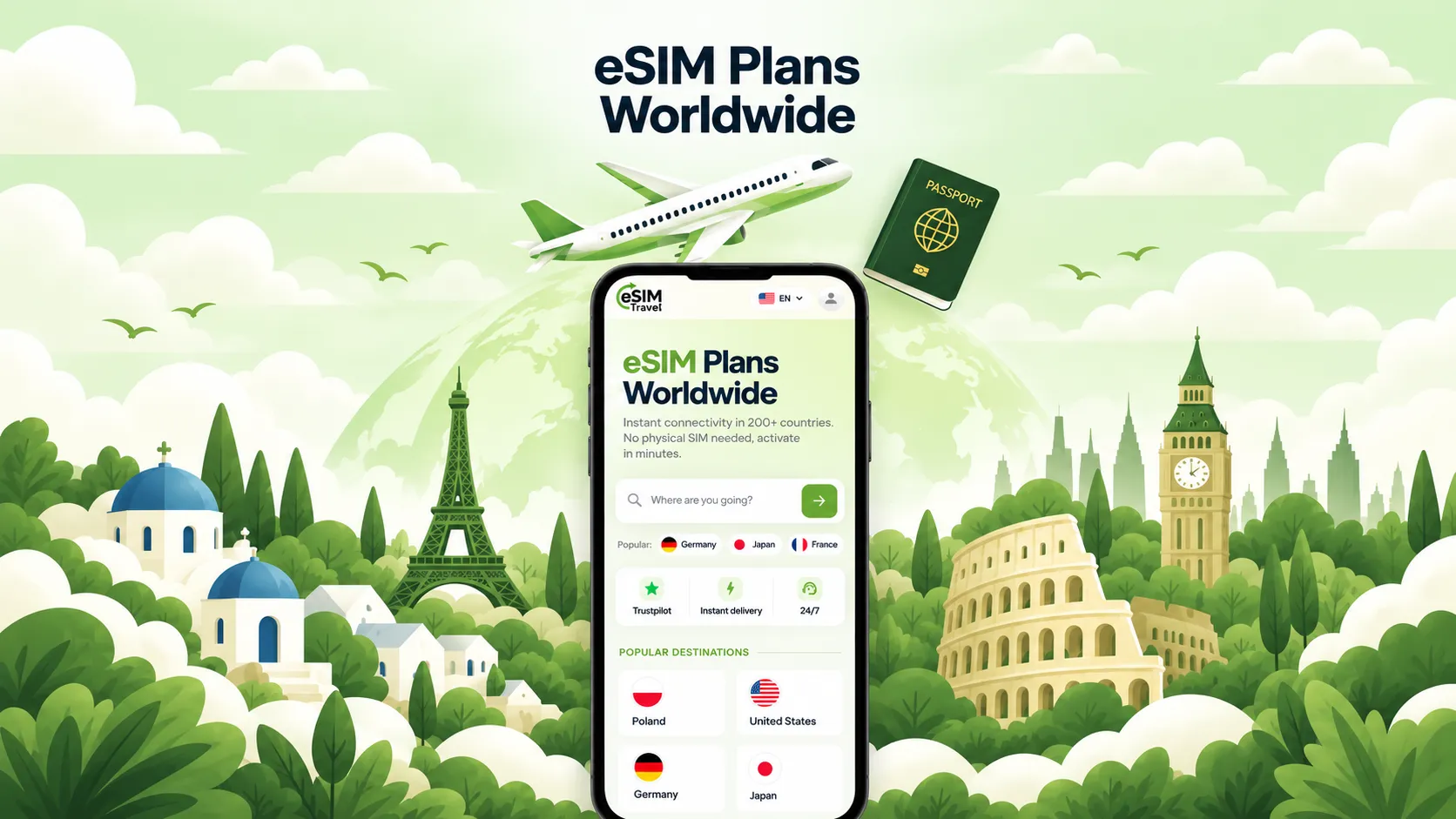
Most of us know the moment: you land, switch off flight mode, and a text message from your operator announces what a day of roaming is going to cost. The alternative used to be a queue at the airport kiosk and a tiny SIM card you then lose in your bag.
A travel eSIM solves both problems. You buy a data plan online, install it with a QR code before you leave, and your phone connects as soon as you arrive. In this guide we explain how it works, how much data you really need and what to look out for when you travel through Europe or Latin America.
A quick note before we start: eSIM Travel is our own product. We built it at ModCodePlus, so we know it inside out, and we'll tell you honestly what it does and what it doesn't.
What is an eSIM, in one paragraph?
An eSIM is a SIM card built into your phone. Instead of inserting a plastic card, you load a mobile plan onto it digitally. Most recent phones can hold several eSIM profiles and use one of them for data while your regular number stays active for calls and SMS. That last part matters: you remain reachable on your own number, and messaging apps like WhatsApp keep working exactly as before.
Step one: check that your phone supports it
Not every phone has an eSIM, and some phones bought through operators are locked. Newer models usually support it; on the eSIM Travel site, many iPhones from the XS onwards and Samsung Galaxy phones from the S20 onwards are listed as compatible. The quickest way to be sure is the compatibility check on the help page. It takes a minute and saves you from buying a plan you can't install.
How much data do you actually need?
This is where most travellers overpay. A rough rule of thumb:
- Maps, messaging and the odd social media check use surprisingly little data. For a city break, a few gigabytes are usually enough.
- Video calls and uploading lots of photos or videos use much more. Plan generously if you work remotely or share a lot.
- Streaming video or using your phone as a hotspot for a laptop is the real data eater. Here an unlimited plan is often the simpler choice.
If you'd rather not guess, eSIM Travel has an AI data planner that estimates how many gigabytes your trip needs based on how you use your phone, and suggests a matching package.
Europe: one eSIM for more than 40 countries
If your trip crosses borders, a regional plan beats buying a new SIM in every country. The Europe packages cover more than 40 European countries with a single eSIM, so the train from Berlin to Prague to Vienna doesn't mean changing anything on your phone.
The range is wide on purpose:
- Short trips: small plans starting at 1 GB for three days, enough for a weekend city break.
- Longer holidays and business trips: plans of 5, 10 or 20 GB with validity of one to four weeks.
- Long stays: larger plans up to 100 GB with up to 180 days of validity, useful for students or digital nomads.
- Unlimited: day-based unlimited plans from one to 30 days, in Unlimited and Unlimited Plus versions, for people who don't want to count megabytes at all.
Latin America: a regional plan for multi-country trips
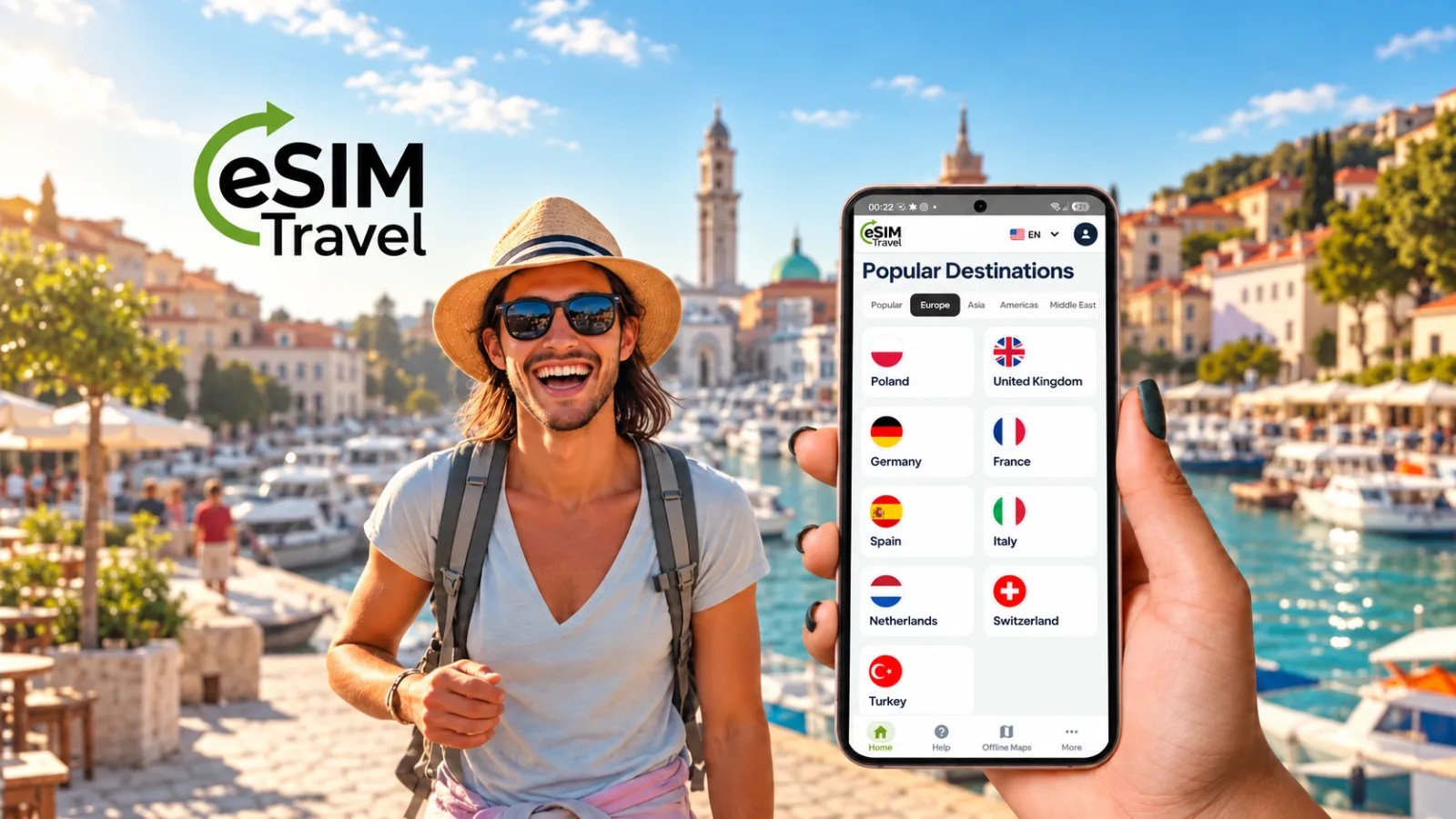
Backpacking through several Latin American countries is exactly where a regional plan pays off. The Latin America packages range from 1 GB for three days to 50 GB for 30 days, plus unlimited options from one to 30 days.
One honest piece of advice: coverage differs from region to region, so open "See covered countries" on the package you like and make sure every country on your route is included before you buy.
Setting it up without stress
- Buy before you travel. The QR code arrives by email right after the purchase.
- Install it at home, on Wi-Fi. Scan the QR code in your phone's settings while you still have a stable connection. Installing it is not the same as using it.
- Switch it on when you land. Select the eSIM for mobile data and turn on data roaming for that line. The plan's validity only starts when it first connects to a network at your destination.
- Turn off data roaming on your home SIM. This is the step people forget, and it's the one that causes the surprise bill. Keep your home number active for calls and SMS, but let the travel eSIM handle data.
- Don't delete the eSIM profile until your trip is over. A deleted profile usually can't simply be reinstalled.
A guide that works without internet
Data runs out at the worst possible moment, usually in a city you don't know. That's why the eSIM Travel app includes an offline guide: you download a country's data in advance, and even without a connection the app uses your location to show nearby sights and free Wi-Fi spots with their distance and direction. Germany and Poland are already available.
Why we built eSIM Travel
We are a software company, and eSIM Travel started as the product we wanted for our own travels: buying a plan in minutes, paying securely through Stripe, getting the QR code instantly and having support available around the clock by WhatsApp and email. It runs on the web in ten languages and as an Android app. Building products like this, web and mobile from a single codebase, is also what we do for our clients: take a look at our software and web services.
Planning your next trip? Take a look at the plans on eSIM Travel, check that your phone is compatible, and arrive connected.